
Your devices, pro-grade checkout
Use what you already have: no need to invest a fortune. Computer, tablet, smartphone — Duka360 works with your everyday devices. A store that checks out and manages stock without complicated hardware or lengthy training.

Mobile devices

Desktops & laptops

Printers

Scanners

And much more...
Powerful tools to run your store
Bring the Duka360 point of sale to your store and gain simplicity and efficiency.
Use the POS anytime, on any device!

The Duka360 POS works on a desktop computer, a laptop, a tablet or a smartphone, to manage your sales efficiently, wherever you are.
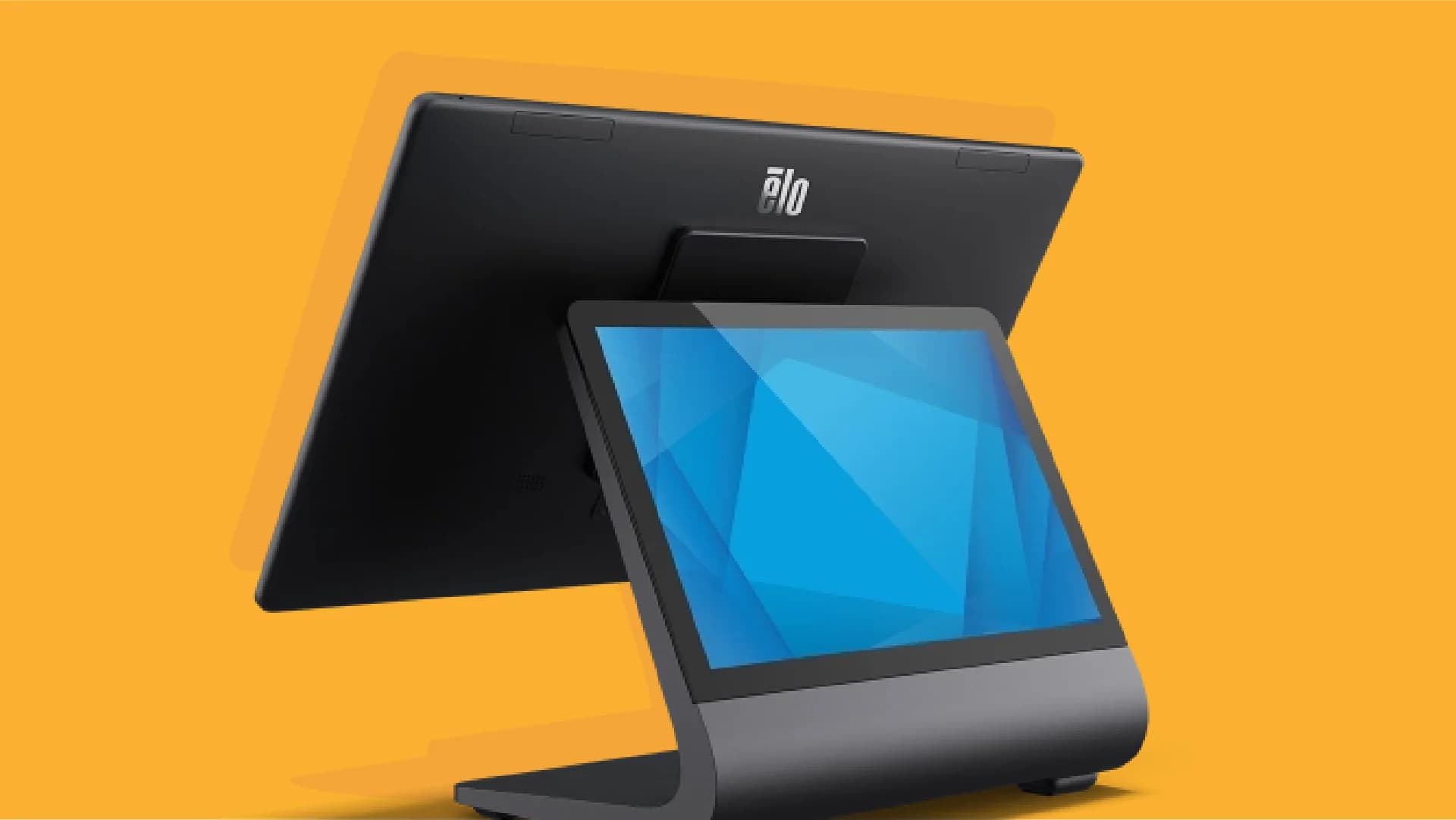
Industrial touchscreens
Works with industrial touchscreen devices, for a rugged in-store checkout.
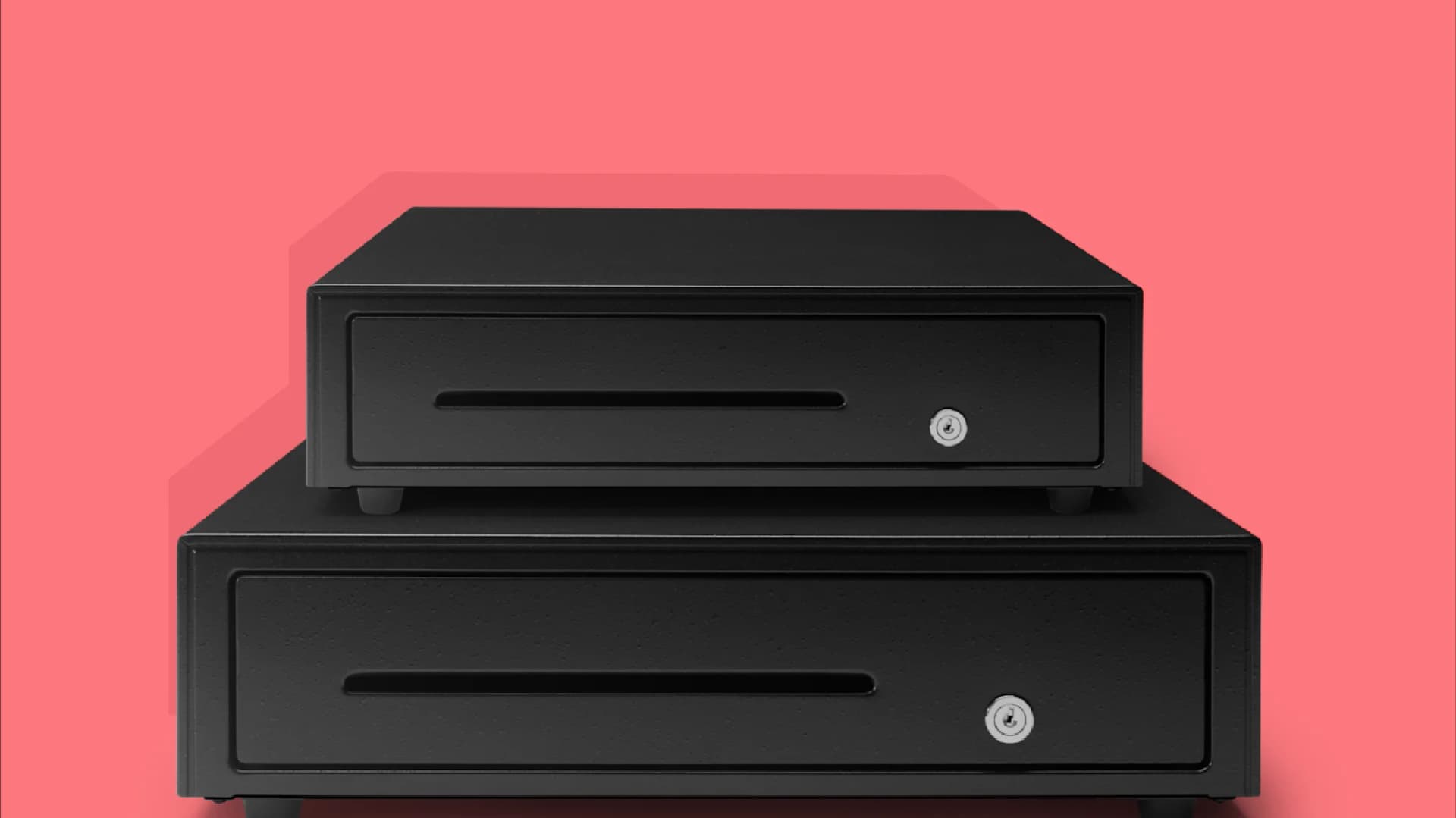
Cash registers
Connect a cash register to Duka360, linked to your receipt printer.
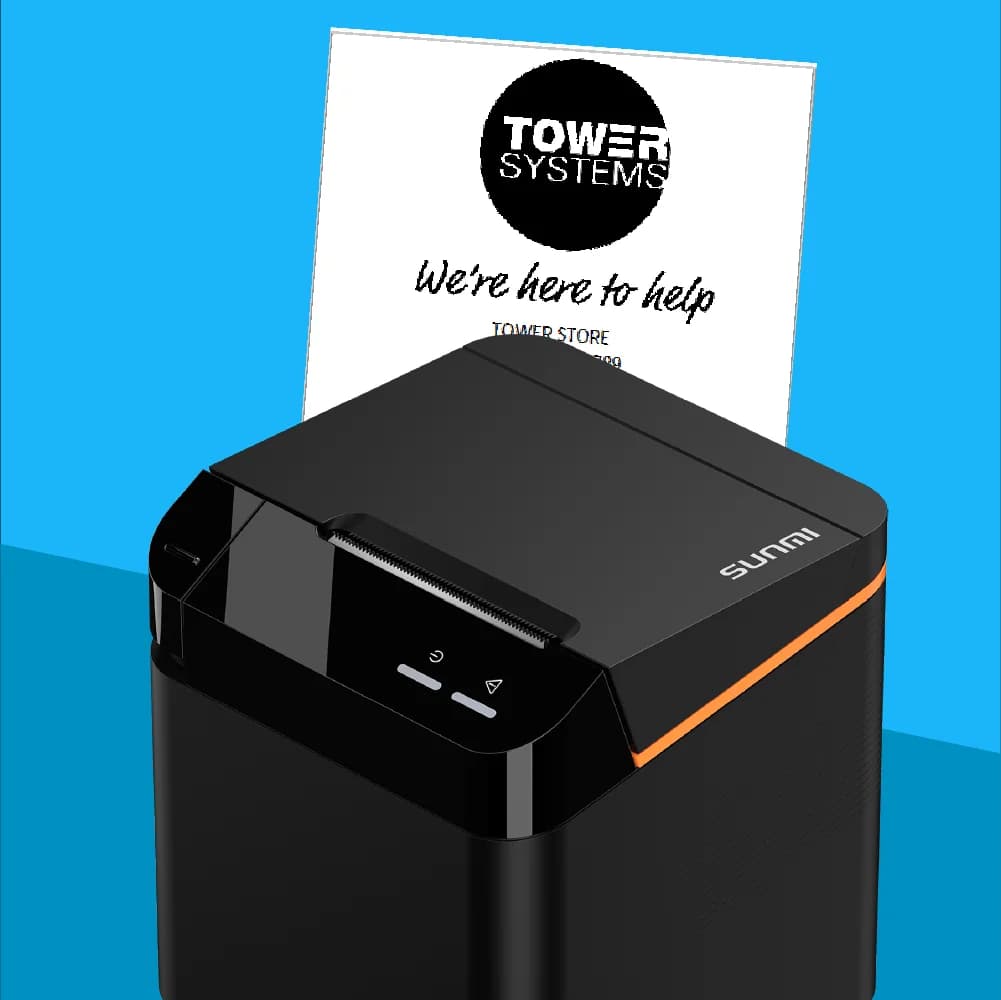
Receipt printers
Print clear, professional receipts for every sale, with logo, contact details and legal notices. Compatible with the most common receipt printers on the market.
The Duka360 POS keeps working even without an internet connection.
Fully ready for advanced hardware
Duka360 is compatible with the essential hardware to run your business.
RFID readers
Instant POS access for your staff. A simple tap to log in and serve faster.
Barcode scanners
Essential for busy stores. A single scan to add the product to the cart.
Electronic shelf labels
Show product info on connected labels with automatic updates.
Scales
Connect an electronic scale to weigh and calculate cost in real time.
Receipt printers
Print receipts wirelessly, even if the printer isn't next to the register.
Label printers
Labels with product name, price and barcode for your shelves.
Connect your devices to Duka360
When a device isn't natively supported, a gateway ensures full integration.
Physical solution
Connect your POS to any hardware via a physical gateway: printers, scanners, scales or cash drawers. Everything works on every device.
Learn more →Virtual solution
No extra hardware needed. The virtual gateway runs on Windows and keeps your POS connected wherever you are.
Learn more →Got questions?
Which label printers does the Duka360 POS support?
We support common label printers (ZPL and compatible). Printing can be triggered from the browser or via a hardware gateway depending on your setup.
Does the POS work offline?
Yes! The Duka360 POS is designed to work offline. You can record sales and manage the register even without internet. Data syncs automatically once the connection is back.
Can I print while my system is offline?
You can print as long as the point of sale and the printer are on the same local network (Wi-Fi or cable).
Why do I need a (IoT) gateway?
The gateway links your Duka360 POS with your hardware (printers, scanners, cash drawers). It enables reliable communication with these devices.
What device do I need to use the POS?
You can use the POS on any device with a modern web browser: computer, laptop, tablet or smartphone. A stable connection and a reasonably recent device are enough.